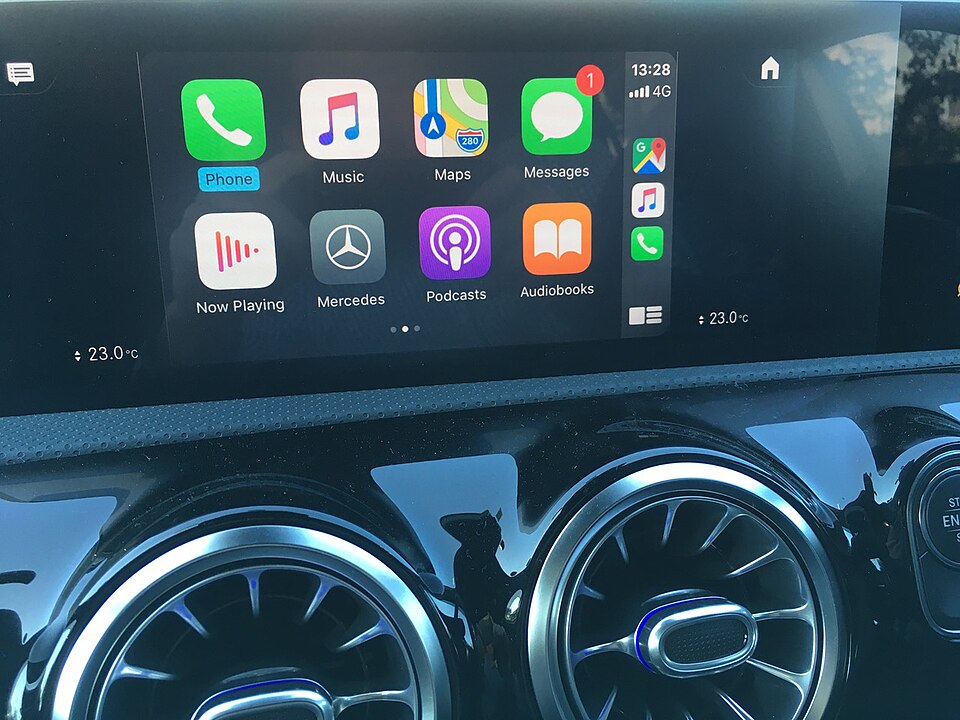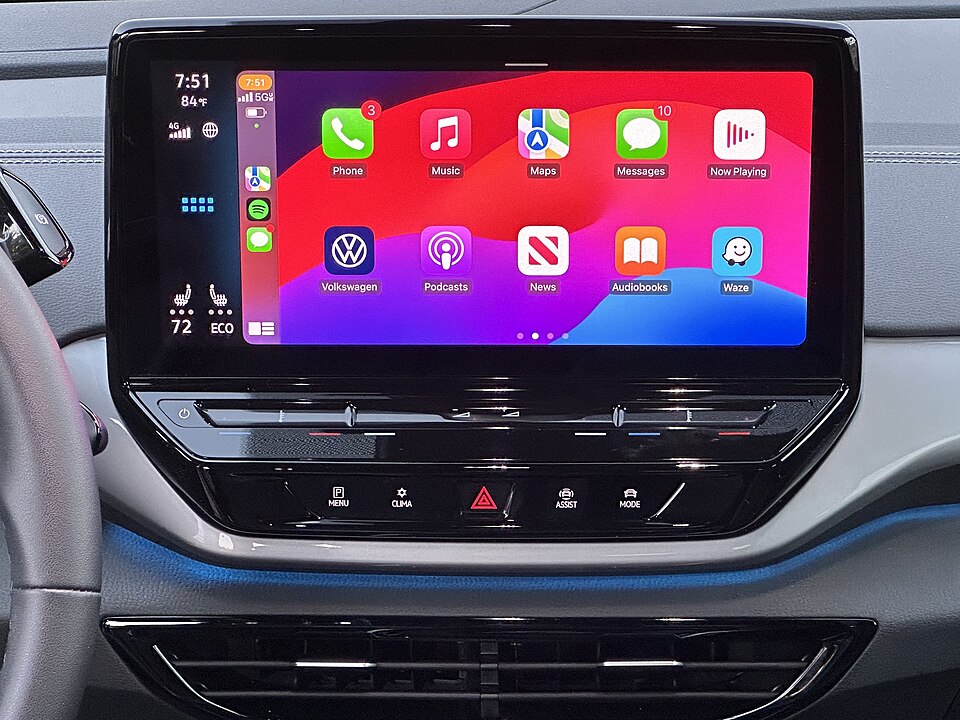
Drivers who want the best possible sound from Apple Music through CarPlay need a cable. That is the core finding of Apple's own guidelines on the subject, which confirm that lossless audio is only available over a wired USB connection, not through wireless CarPlay.
According to a report by Engadget, the difference comes down to the audio codec each connection type uses. A wired CarPlay connection uses LPCM, which carries uncompressed digital audio. That means a lossless ALAC track from Apple Music can travel from an iPhone to a car stereo without any lossy compression applied along the way. Wireless CarPlay uses AAC-LC instead, which applies lossy compression to reduce the bitrate and discards some of the original audio data in the process.
The practical result is that wireless CarPlay, despite its convenience, delivers lower-quality audio than a wired connection can. Whether a listener actually hears the difference depends on the car's sound system, the quality of its amplifier, and the listener's own ears. Road noise and other distractions inside a moving car also work against ideal listening conditions, regardless of connection type.
Wireless CarPlay has a clear advantage in ease of use. A phone can connect automatically without ever being removed from a pocket. For many drivers, that convenience outweighs the audio quality gap. But for listeners who have paid for an Apple Music subscription specifically to access lossless tracks, a cable is the only way to get what they are paying for.
Even a wired connection has limits. Streaming audio while driving means the iPhone is constantly shifting between cell towers and moving in and out of coverage areas. Those signal drops reduce the quality of the stream regardless of how the phone is connected to the car stereo. The straightforward fix, according to Engadget, is to download playlists to the iPhone before getting in the car. Downloaded files are not affected by cellular coverage and give the wired connection the best possible source material to work with.
Enabling lossless audio through Apple Music requires an active subscription and the lossless option turned on in the app's settings. Once those two conditions are met, a USB connection to a CarPlay-compatible stereo is all that stands between a driver and the full quality of the track.